

Give your Human Agents superpowers: Maven Copilot's latest update
What's new in Maven Copilot, the AI assistant built for humans.
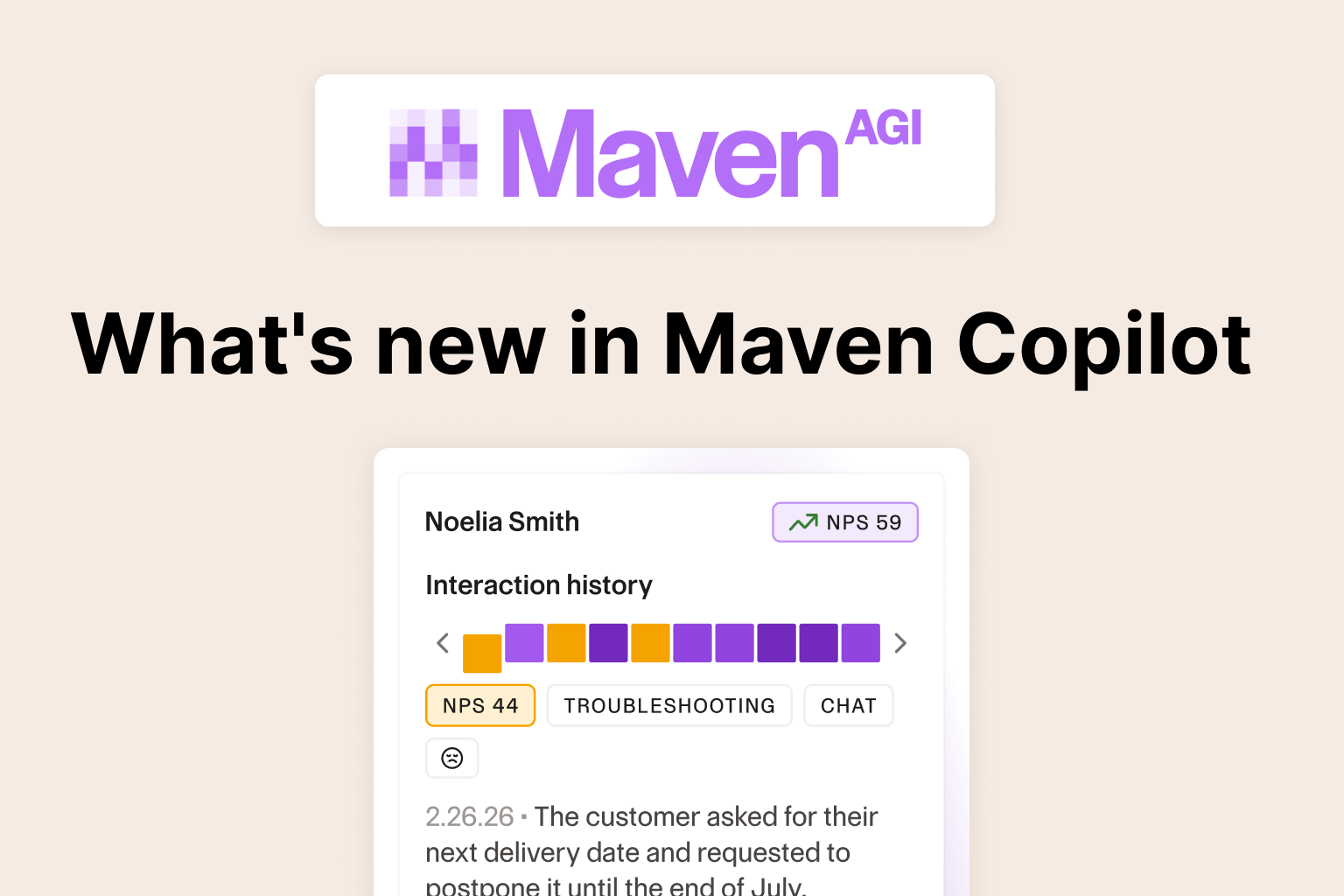
Autonomous resolution gets most of the attention in conversations about AI and customer support: the tickets a system handles start to finish, no human involved. But most support organizations still have agents on the floor handling escalations, nuanced accounts, and the tickets nobody wants to hand off completely. Maven Copilot is built for that agent, sitting directly inside the help desk they already use.
Here's what it does, and what's new for teams already using it.
What Copilot does
Copilot lives inside Zendesk and Salesforce, not a separate tab, not a different login. When an agent opens a ticket, Copilot summarizes the conversation, drafts a suggested reply grounded in the company's own knowledge base, and stays available for follow-up questions the agent can ask in plain language. Suggestions come with citations back to source material, so an agent isn't asked to trust an answer blind.
It runs on the same underlying AI agent that powers Maven's fully autonomous deployments, just positioned to assist a person instead of replace the interaction. That's what makes it different from a lighter-weight assistant bolted on as an afterthought. The knowledge, the reasoning, and the accuracy are the same system, just handed to a human to use rather than acting on its own.
The results show up in the numbers. ClickUp saw a 25% increase in agent throughput in its first week using Maven Copilot.
Know who you're talking to before you type a word
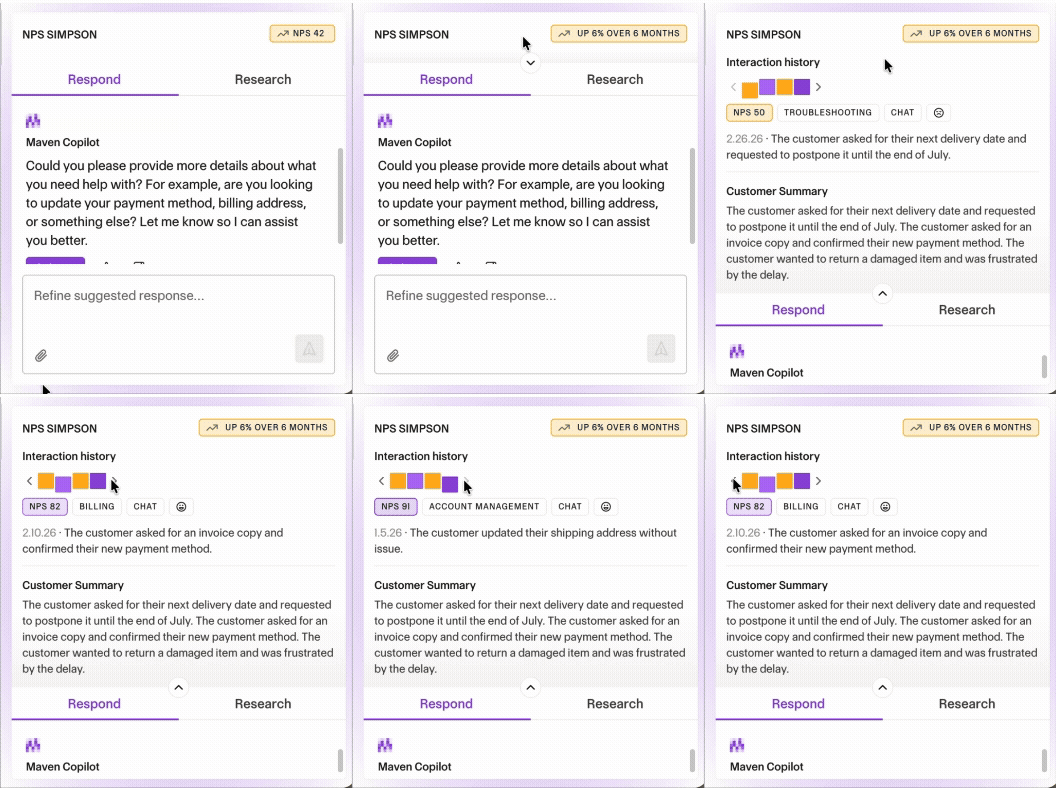
Copilot now shows the customer's sentiment trend and full interaction history right up front, spanning every previous conversation with that customer, not just the current ticket. On an escalation, knowing this person has already had two rough interactions this month changes how the agent opens the reply. It's the difference between reacting to one ticket and understanding a relationship.
Ask a question without committing to a reply
A dedicated Research area lets agents ask Copilot something without it turning into a drafted response, useful for looking something up on a ticket that's already resolved, or getting oriented on a topic they haven't handled before. Configurable suggested questions give agents a starting point instead of a blank box, and the questions people ask most often can sit right there waiting.
Closed tickets don't have to mean closed off
Agents can now look something up on a resolved ticket (what was promised, why it was closed) without reopening it or drafting anything new toward it. Nothing is written toward a ticket that's already done, but the answers are still there when someone needs them.
Understand the customer, not just reply to them
Incoming messages from customers now appear translated inline, in the agent's own language, right alongside everything else in the conversation, with the option to flip back to the original wording when exact phrasing matters. Suggested replies are already written in the customer's language automatically, so the agent can read and write across a language barrier without stopping to translate anything by hand.
.webp)
Show, don't just tell
If a customer's problem is easier to show than describe, an agent can hand Copilot a screenshot directly and ask about it. No need to put everything into words first.
.webp)
Handoffs that don't lose the thread
On tickets that pass between multiple people, each agent now gets their own clean conversation with Copilot instead of inheriting someone else's half-finished exchange. A visible timeline marks who was on the ticket and when, so context isn't lost every time a ticket changes hands.
Only there when you want it
Some teams want Copilot ready on every single ticket the moment it opens. Others want it to stay out of the way until called on. Copilot can now be set to stand by quietly, with the agent choosing when to bring it in. Nothing is generated until they ask.
A cleaner, calmer design throughout
Alongside everything above, the whole experience has been redesigned: a more contained layout, a clearer ticket summary, simpler feedback, and a tidier way to see related source links. Nothing agents could already do has changed or disappeared, it's just easier to read and use.
If any of this sounds like something your team could use today, it's worth checking your Copilot settings. Several of these are available now and simply need to be turned on.
Not running Maven yet?
This is what it looks like to give support agents an AI agent that actually knows the customer, the account, and the answer, instead of one more tool to double-check. See Maven Copilot in action and find out what it would take to get your team here.
.png)



Don’t be Shy.
Make the first move.
Request a free personalized demo.