What it is
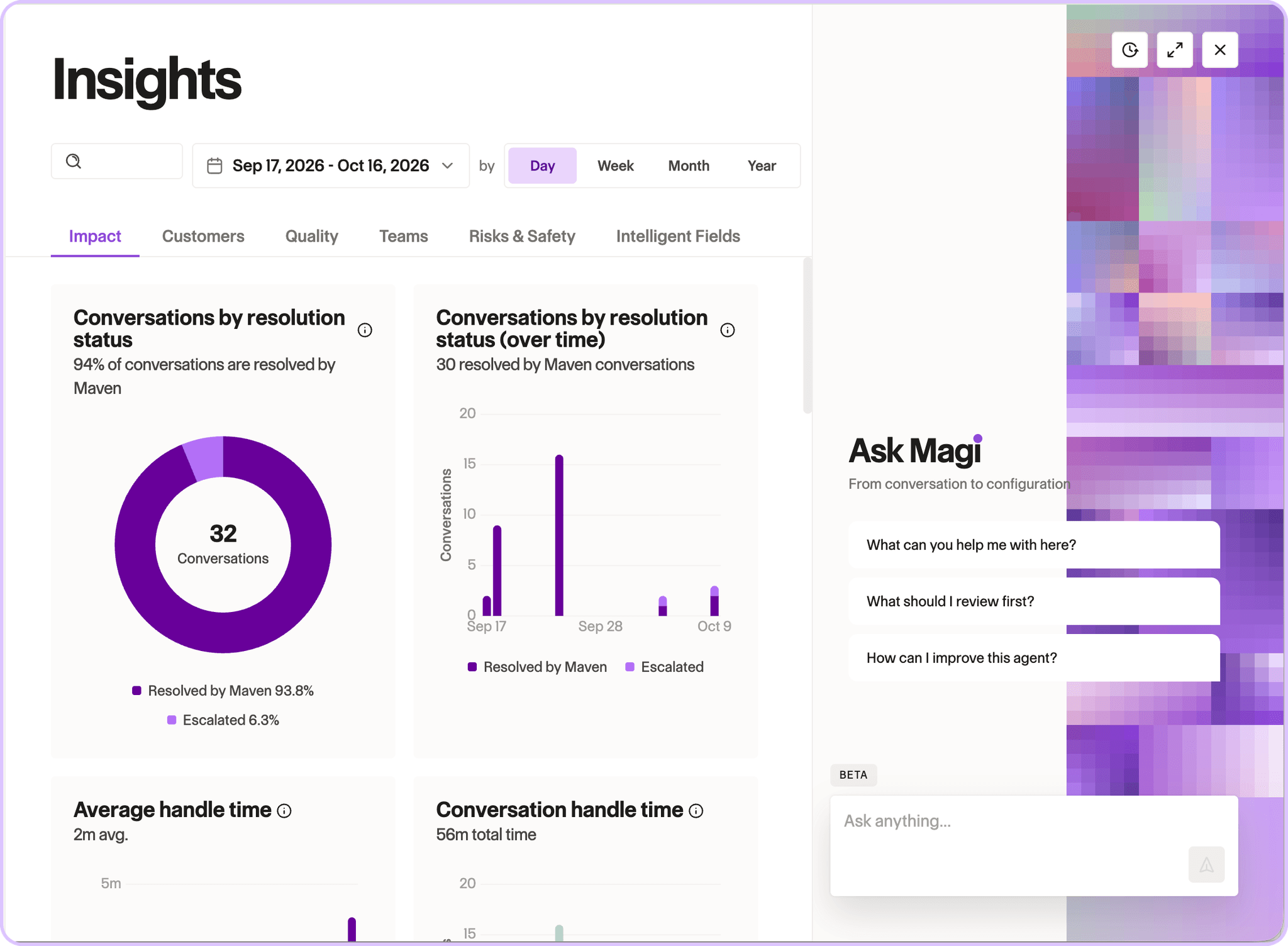
Magi is now on for every Maven customer. It replaces Ask Maven, rebuilt as a more capable assistant, and everything Ask Maven did works in Magi.
How it works
Magi opens from the circle in the lower right corner of every page and sees what you're looking at. It reads full conversations, including the reasoning behind each message: which knowledge and actions the agent considered versus used, which charters and segments matched, and which safety checks fired. Ask for data and it builds the chart in place. Magi is read-only today, scoped to the agent you have open, and masks credentials and sensitive numbers before it reads anything.
Use case
An agent couldn't answer a tuition question. The admin opens the conversation, asks Magi why, and Magi names the charters that matched and the actions attached to them, so the fix is obvious.
See it on your own conversations.
Request a free personalized demo.