Introducing Agent Capabilities: A Faster, Simpler Way to Extend What Your Agent Can Do
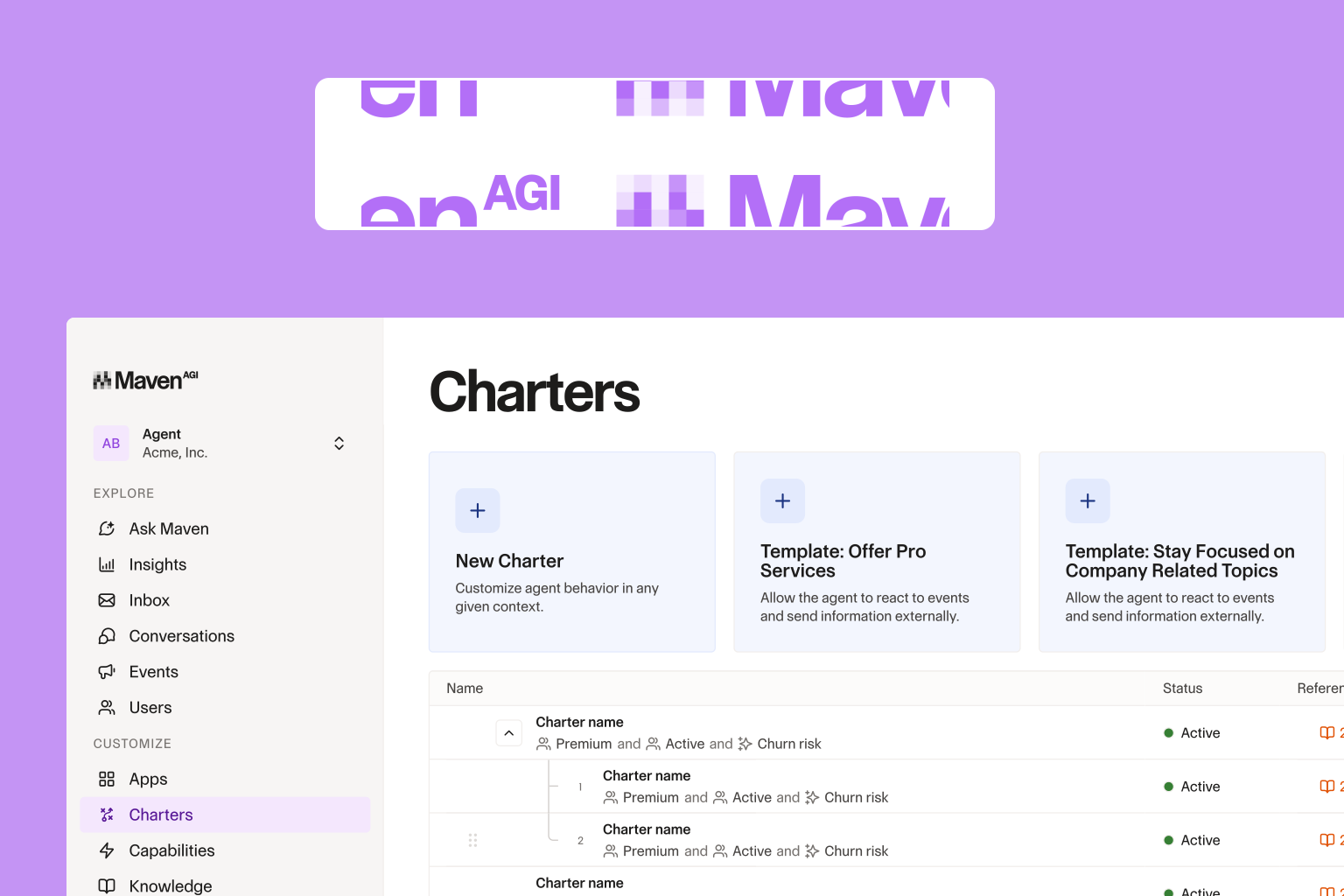
Agent Capabilities is a self-serve build environment inside Agent Designer.

.png)
Every team that's deployed a support agent knows the frustration of watching it fall short of what it could do. The data exists and the systems are connected, but adding new actions or automations still means filing a request, waiting on an engineer, and negotiating a sprint slot. For most teams, that friction compounds over time:
- A benefits administrator rolling out a new payroll platform who needs the agent to keep pace, without a months-long build cycle to get there.
- A CX team that wants to add real-time customer segmentation to an agent so it can personalize responses as their customer data platform usage matures.
- An ops team that needs to add new triggers regularly as business processes change to integrate a new payment provider or introduce a new escalation rule.
Today, we're introducing Agent Capabilities: a self-serve build environment inside Agent Designer that gives technical teams a direct path to create, test, and deploy new agent behaviors as quickly as the business needs them.
From Conversation to Action, Across Every System
Agent Capabilities gives your team a structured, consistent way to define what agents do and when they do it, without custom development work every time requirements change. Everything is built around two core building blocks: actions and triggers.
Actions let agents complete tasks on behalf of users. A support agent can pull a customer's unified profile mid-interaction, query payroll records, retrieve order history, or create a new workplace, all through natural language, without a team member stepping in manually. Because actions follow a standardized structure, teams can build and extend them quickly, connecting agents to any internal or external system on their own timeline.
Triggers let agents respond to what happens across your connected systems. When a specific event fires (a status change, a missed payment, a form submission), the agent handles the downstream process automatically, whether that means a notification, a data sync, or custom logic specific to your environment. The same standardized approach means your team can encode business rules like approval thresholds, escalation criteria, and compliance requirements directly into the agent without starting from scratch each time.
Visibility and Control as Your Agent Grows
Adding new capabilities to an agent shouldn't mean losing visibility into what it already does, and shipping something new shouldn't require testing it in a live customer conversation first.
Agent Capabilities includes function-level testing for actions directly inside Agent Designer. Before anything goes live, you can run it with real parameters, inspect the output, and confirm the logic behaves exactly as intended. And as your agent takes on more integrations and responsibilities, every executable behavior is surfaced in a single organized view: what's active, what's disabled, what each capability requires to run. When something needs to change, you find it, update it, and ship it without touching anything else in your configuration.
The Agent Your Business Needs, Built the Way You Work
The customers your agent serves measure it by one thing: whether it could help them. Keeping pace with that standard used to mean a development cycle every time your business requirements changed. Agent Capabilities changes that, giving your team a faster, more direct path to extend what your agent can do, so the gap between what your business needs and what your agent delivers closes in days, not sprints.
Ready to build? Learn more at mavenagi.com/demo.
Don’t be Shy.
Make the first move.
Request a free
personalized demo.